
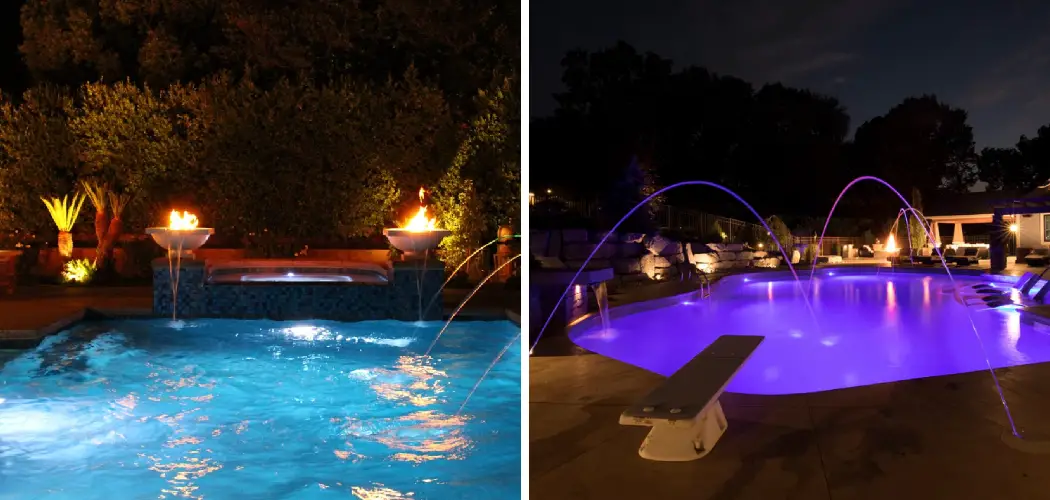
Properly syncing your Pentair pool lights helps create a cohesive and visually stunning ambiance for your pool area.
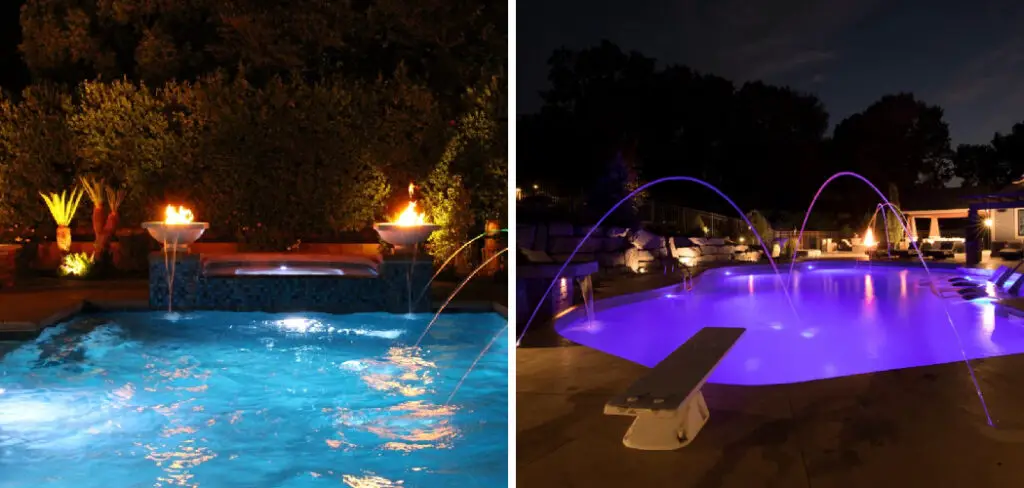
Whether you’re aiming for a vibrant light show or a calming uniform color, knowing how to synchronize your lights ensures the desired effect every time. This guide will walk you through the steps of how to sync pentair pool lights.
Types of Pentair Pool Lights
Pentair offers a variety of pool lights designed to suit different needs and preferences. Their product lineup includes options like LED lights, incandescent lights, and nicheless lights. LED lights, such as the IntelliBrite series, are energy-efficient, long-lasting, and capable of producing a wide range of vibrant colors and dynamic light shows.
Incandescent lights provide a more classic and warm glow, making them ideal for those seeking a traditional aesthetic. Nicheless lights are compact, easy to install, and are perfect for pools with limited space for large light fixtures. Each type of Pentair pool light is designed with durability and quality in mind, allowing you to enhance your pool area with reliable and stunning lighting options.
Tools and Equipment Needed
When installing or maintaining Pentair pool lights, having the right tools and equipment is essential to ensure a smooth and successful process. Below is a list of items typically required:
- Screwdriver Set: Used to remove or secure fixtures and housing components.
- Voltage Tester: Ensures the power supply is safely turned off before any work begins.
- Wire Strippers: Handy for connecting or adjusting electrical wiring.
- Sealant or Waterproofing Materials: Protects wiring and fixtures from moisture.
- Replacement Bulbs or LED Modules: For upgrading or replacing the lighting unit.
- Gasket or O-Rings: Ensures a watertight seal for the light housing.
- Mounting Brackets (if necessary): Useful for proper installation of nicheless or traditional lighting fixtures.
Ensuring all tools and materials are ready ahead of time minimizes delays and helps maintain safety throughout the process. Always refer to the specific user manual for the model you are working with for detailed requirements.
10 Methods How to Sync Pentair Pool Lights
1. Understand the Lighting System You Own
Before attempting synchronization, it’s crucial to know which model of Pentair pool lights you’re working with. Most commonly, color-changing lights like the IntelliBrite 5G or MicroBrite require coordinated power cycling to sync.

Knowing whether your lights are operated through a manual switch, a Pentair automation system (like IntelliTouch or EasyTouch), or a remote app will affect how you approach syncing. Carefully review the light’s user manual to familiarize yourself with features and sync methods specific to that model.
2. Ensure All Lights Are on the Same Circuit
For successful synchronization, all Pentair lights must be connected to the same circuit or transformer.
This allows them to receive power simultaneously, which is essential because Pentair lights rely on a specific number of power cycles to toggle between modes or reset. If lights are wired separately or on different timers, they may not respond uniformly. Before syncing, verify that all lights are powered from the same control switch or automation channel for consistent behavior.
3. Use the Power Switch Method to Reset and Sync
The most common method of syncing Pentair lights involves using the wall-mounted power switch. To initiate synchronization, turn the lights on and off rapidly in succession. Specifically, flip the switch off and on four to five times, pausing one second between each toggle.
This cycles the lights through their preset color modes. Once you reach the desired color or program (e.g., “Party Mode,” “Romance,” etc.), leave the lights on—they’ll lock in that mode. Perform this process with all lights at once to achieve synchronization.
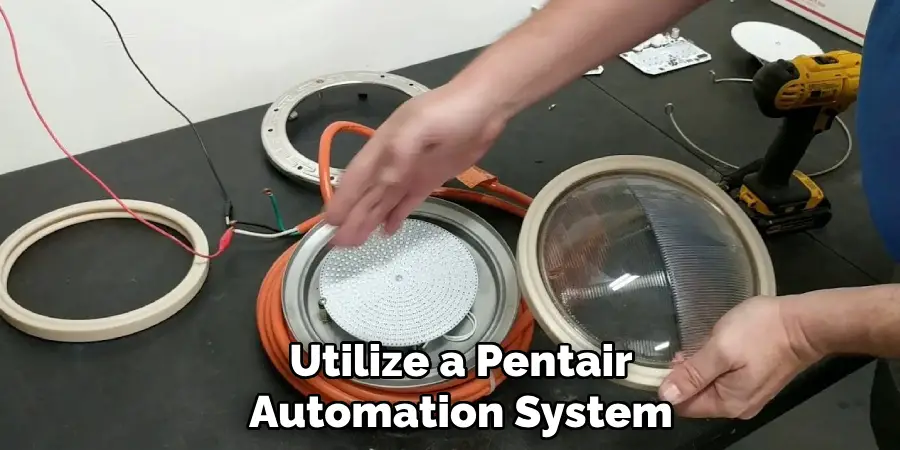
4. Utilize a Pentair Automation System for Seamless Sync
If your pool is equipped with a Pentair automation system like EasyTouch, IntelliTouch, or ScreenLogic, syncing your lights is much more precise.
These systems offer direct access to each light or group of lights via a touch panel, remote, or app. Simply select the desired lighting mode from the control interface, and the system will broadcast the command to all lights simultaneously. This eliminates the need for manual power cycling and ensures consistent synchronization every time.
5. Set Lights to Default Mode Before Syncing
Sometimes, lights may not sync properly due to being out of phase from prior use. In such cases, reset them to the default white mode. This is done by turning the lights off for 11 seconds, then back on for 1 second, and repeating this five times.
This sequence returns them to the factory setting. After this reset, you can proceed with a standard syncing cycle. Starting from a neutral, known state increases the chance of all lights syncing successfully.
6. Sync Lights with a Countdown Timer
If your power switch is difficult to control manually or if you’re syncing several lights, consider using a programmable countdown timer. Set the timer to cycle the power at one-second intervals to mimic manual switching.
This ensures precise timing for each cycle, especially helpful when syncing three or more lights. The timer guarantees that each light receives the same signal at the same time, eliminating human error from manual switching.
7. Test Light Colors and Modes After Syncing
After you’ve completed the sync process, test the light modes to ensure they are working uniformly. Turn the system off, then back on, and allow the lights to complete a full color cycle. Watch for any lights that are out of sync or lagging in response.
If discrepancies appear, repeat the syncing process. Ensuring all lights respond identically confirms that the syncing process was successful and provides the most consistent visual presentation.
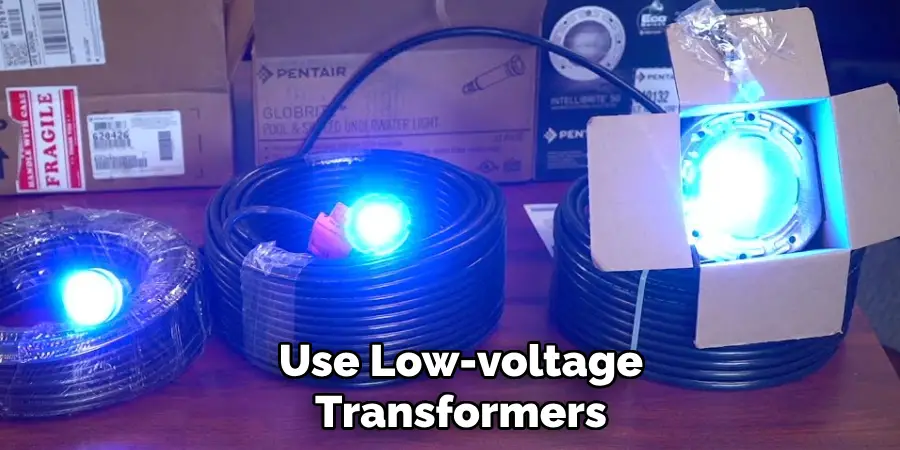
8. Use Low-Voltage Transformers Carefully
If your Pentair lights operate using low-voltage transformers, make sure those transformers are compatible and functioning properly. Uneven voltage distribution can cause lights to behave unpredictably or fail to sync. It’s advisable to use only Pentair-approved transformers or those that meet the same wattage and voltage specifications.
If one transformer feeds multiple lights, make sure the wiring allows all lights to receive the signal at once, or consider upgrading your wiring to a daisy-chain format for equal delivery.
9. Perform Regular Maintenance Checks
Sync issues often stem from poor connections, corroded terminals, or faulty relays. Perform regular inspections of your pool’s electrical systems. Check for frayed wires, moisture in junction boxes, or loose fittings. Cleaning connectors and ensuring a tight fit will help preserve synchronization.
If syncing issues persist even after following proper procedures, consult a pool electrician to test voltage output and connectivity across all lighting circuits.
10. Consider Upgrading to Smart Controls for Hassle-Free Sync
If syncing manually becomes frustrating or inconsistent, consider upgrading your control system. Products like Pentair IntelliCenter or ScreenLogic2 allow you to control and sync your lights directly from a smartphone or tablet.
With the touch of a button, you can switch between light modes, adjust brightness, and even schedule light shows. These smart systems provide reliable syncing with far less manual effort and integrate seamlessly with other Pentair equipment like pumps, heaters, and filters.
Maintenance and Upkeep
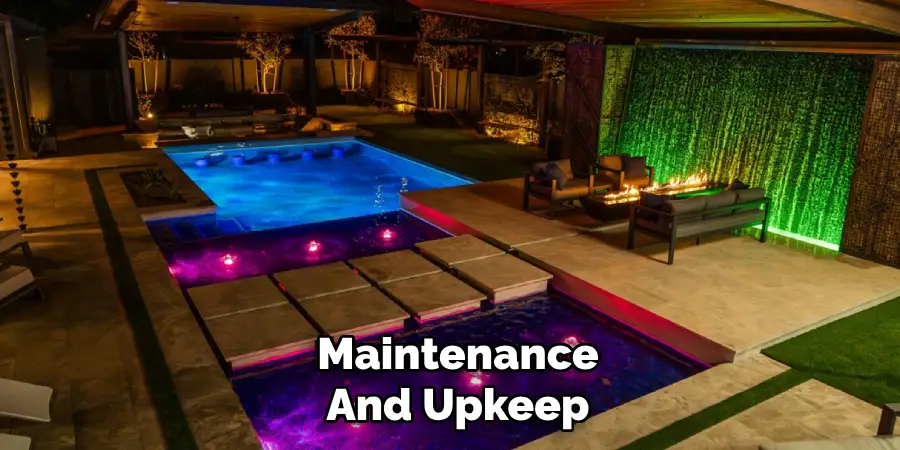
Regular maintenance is key to ensuring your lighting system performs optimally and has a long lifespan. Start by checking the lights and connections periodically for signs of wear, such as frayed wires or moisture intrusion. Clean the light fixtures to remove debris, mineral buildup, or algae that may accumulate over time, especially in outdoor or pool environments.
If your system includes smart controls, keep the software or firmware updated to access the latest features and fixes. Additionally, inspect and replace bulbs or LEDs as needed to maintain consistent brightness and color quality. By dedicating a little time to upkeep, you’ll enjoy vibrant and reliable lighting for years to come.
Safety Considerations
When handling lighting systems, safety should always be a top priority. Before performing any maintenance or repairs, make sure to turn off the power supply to avoid the risk of electric shock. Use insulated tools and protective gear, such as gloves and safety glasses, whenever necessary.
If you’re working with outdoor fixtures, be mindful of wet or slippery surfaces, and ensure the area is dry to prevent accidents. Always follow the manufacturer’s guidelines for installation and upkeep, and consult a professional technician for complex issues or if you are uncertain about any procedure. Prioritizing safety ensures both the longevity of the lighting system and your personal well-being.
Conclusion
Syncing Pentair pool lights enhances the aesthetic appeal and functionality of your backyard oasis. Whether you’re preparing for a relaxing night swim or setting the scene for a party, having your lights change color and effects in perfect harmony elevates the experience.
From simple power cycling techniques to leveraging smart automation, the methods described above give you complete control over your pool’s visual environment. Thanks for reading, and we hope this has given you some inspiration on how to sync pentair pool lights!

About
Outdoor Fixes is a distinguished figure in the world of Diy design, with a decade of expertise creating innovative and sustainable Diy solutions.
His professional focus lies in merging traditional craftsmanship with modern manufacturing techniques,
fostering designs that are both practical and environmentally conscious. As the author of diy,
outdoorfixes delves into the art and science of outdoorfixes-making, inspiring artisans and industry professionals alike.
Education RMIT University
(Melbourne, Australia) Associate Degree in Design (Outdoor Fixes) Focus on sustainable design, industry-driven projects,
and practical craftsmanship. Gained hands-on experience with traditional and digital manufacturing tools, such as CAD and CNC software.
Nottingham Trent University
(United Kingdom) Bachelor’s in outdoorfixes.com and Product Design (Honors) Specialized in product design with a focus on blending creativity with production
techniques. Participated in industry projects, working with companies like John Lewis and Vitsoe to gain real-world insights.
Publications and Impact
In diy, Outdoor Fixes his insights on indoor design processes, materials, and strategies for efficient production.
His writing bridges the gap between artisan knowledge and modern industry needs, making it a must-read for both budding designers and seasoned professionals.